

Please note: This product is NOT compatible with Apple macOS™. For Windows 10 or later only.
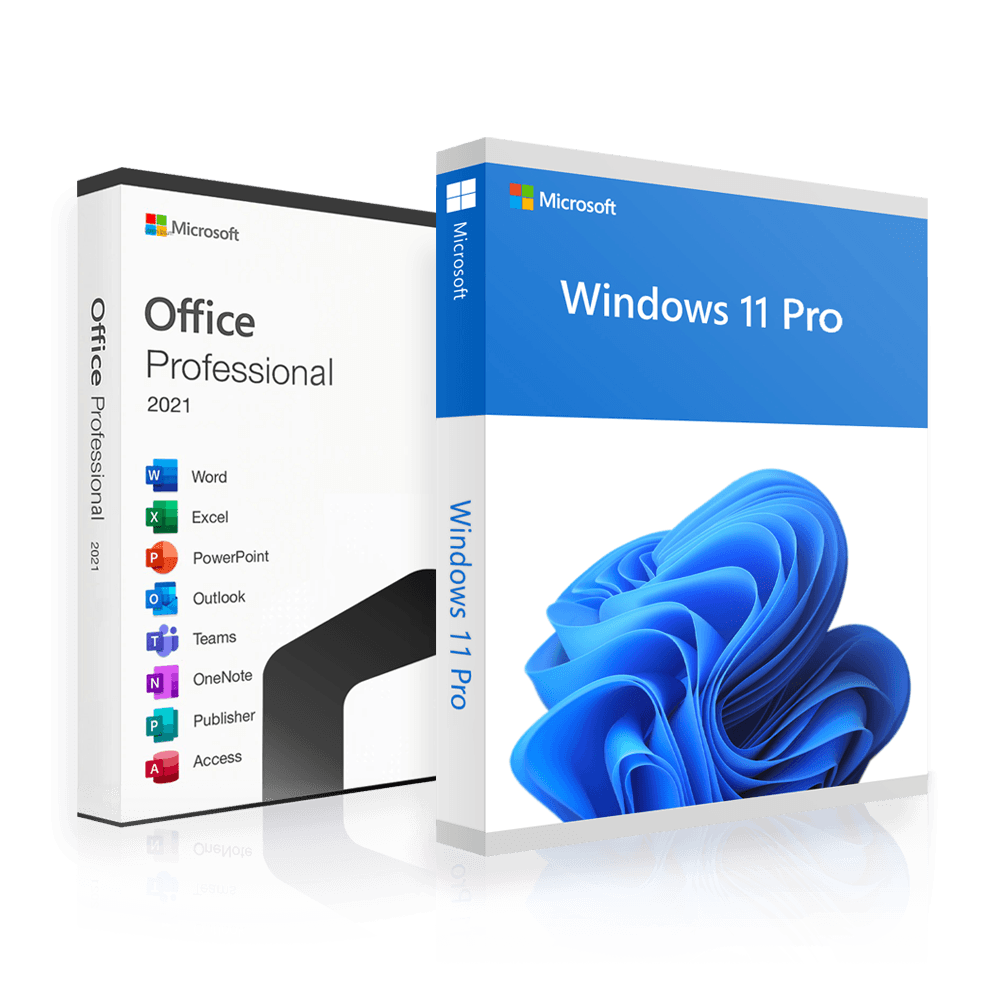
Office 2021 Professional + Windows 11 Professional | Bundle | 2 for 1
Perpetual licence · Genuine licence · Instant delivery
incl. VAT · free instant delivery
Number of devices
Genuine licence
Ready to activate
Instant delivery
By email
Perpetual licence
One-off payment
Support
By email
Trustpilot
Buyer protection included

Excellent
Guaranteed secure payment
Genuine licence
Ready to activate
Instant delivery
By email after payment
Perpetual licence
One-off payment
Support
By email
Trustpilot
Buyer protection included
Excellent
Guaranteed secure payment
Product description
What you get
- Word, Excel, PowerPoint, Outlook, OneNote and more
- Windows in the edition you bought, permanently activated
- Product key and download link for the installation file
- Perpetual licence — one-off payment, no subscription
- Instant delivery by email
- Invoice included — VAT shown separately
- Support by email
System requirements
Office 2021
Quelle: support.microsoft.com
Windows 11 Pro
Quelle: www.microsoft.com
Common questions about this product
How can your prices be this low?
We buy in large volumes and hand over the licence purely digitally: no disc, no packaging, no middlemen and no shipping costs.
You get the product key and the download link by email. Activation runs directly with Microsoft — it is the same software you would buy in a shop.
What do I get after buying?
The product key, the download link for the installation file, an installation guide in English and the invoice with VAT shown separately.
All by email, straight after payment. It goes out automatically — nobody has to trigger it by hand.
The email has not arrived — what can I do?
Check your spam folder first. Emails containing a product key end up there more often than others.
You can also retrieve the key yourself at any time: all you need is your order number and the email address you ordered with.
With some email providers there are occasional delivery problems. If that happens, send us another address and we will resend it straight away.
How do I activate Windows with the key?
Open Windows Settings, go to “System” and then “Activation”. Choose “Change product key”, enter the key and confirm with “Next” and “Activate”.
The machine needs to be connected to the internet while you do it. You do not need a download link for activation alone.
Do I have to reinstall Windows for this?
No. A Windows that is already installed can simply be activated with the key — your programs and files stay where they are.
If you would rather start fresh, the download link is included anyway.
Can I move from Home to Professional with this?
Yes. It runs through the same place in Settings: change product key, enter the key, and Windows carries out the upgrade itself.
If an error appears while it does, write to us — this is a known sequence and we know the fix.
My device runs in S mode. Will this still work?
S mode blocks every installation that does not come from the Microsoft Store. You need to leave it once: Settings → System → Activation → “Switch to Microsoft Store”.
Leaving is free and cannot be undone. After that, activation runs as normal.
How do I activate the program?
Open any Office file — in Word or Excel, for example — and go to “File”, then “Account”, and there choose “Change product key”. Enter the key and confirm.
Under “Account” you can then also see whether activation succeeded.
Do I have to uninstall an existing Office version?
Yes, and this is the most common reason an installation does not complete. Leftovers from an earlier version — including a trial — get in the way of the new one.
Microsoft provides a dedicated tool that removes every version completely. We are happy to send you the link if you get stuck.
Is this the 32-bit or the 64-bit version?
Both. You choose during installation which one you want — for most current machines, 64-bit is the right one.
Is the version in English?
Yes. The installation file we link to is the English version.
If you need another language, write to us before or after buying — that can be arranged.
Do I get a key for each program?
Yes. For every product included you get its own key and the matching download link, all in the same email.
The programs can be installed and activated independently of each other.
How many devices does my licence cover?
That depends on the option you choose above — for this product, from 1 to 5 devices. The price per device falls considerably as you go up.
The key carries that many activations. You can spread them across different machines; there is no need to use them all on one device.
What happens if I reinstall my machine?
As a rule, the activation can be restored. Just get in touch if anything sticks after a clean install or a hardware change.
Is the licence valid permanently?
Yes. You pay once and use that version permanently. There is no subscription, no monthly cost and nothing to renew.
Moving to a newer version is a new purchase — the version you bought stays yours.
Can I redeem the key later?
Yes. The key has no expiry date: you can redeem it right after buying, or months later when the new machine arrives.
Do I get an invoice showing VAT?
Yes. The invoice is created with your order and can be retrieved from the link in your order confirmation.
The VAT included is shown separately, so it is tax deductible.
And if the key does not work?
Then it is not a cancellation but a fault — and we replace it.
Write to us with your order number and, if you can, a screenshot of the error message. That settles almost every case the same day.
Does the software run on a Mac?
No. These licences are for Windows. They are not compatible with Apple macOS™, Android devices or Chromebooks.
Can't find your question? Write to us — we answer before you buy too.
Related articles
What you get
Genuine licence key
Delivered by email
Download link
Direct link to the Microsoft installation file
Installation guide
Step by step, in English
Invoice with VAT
Tax deductible
Goes well with this

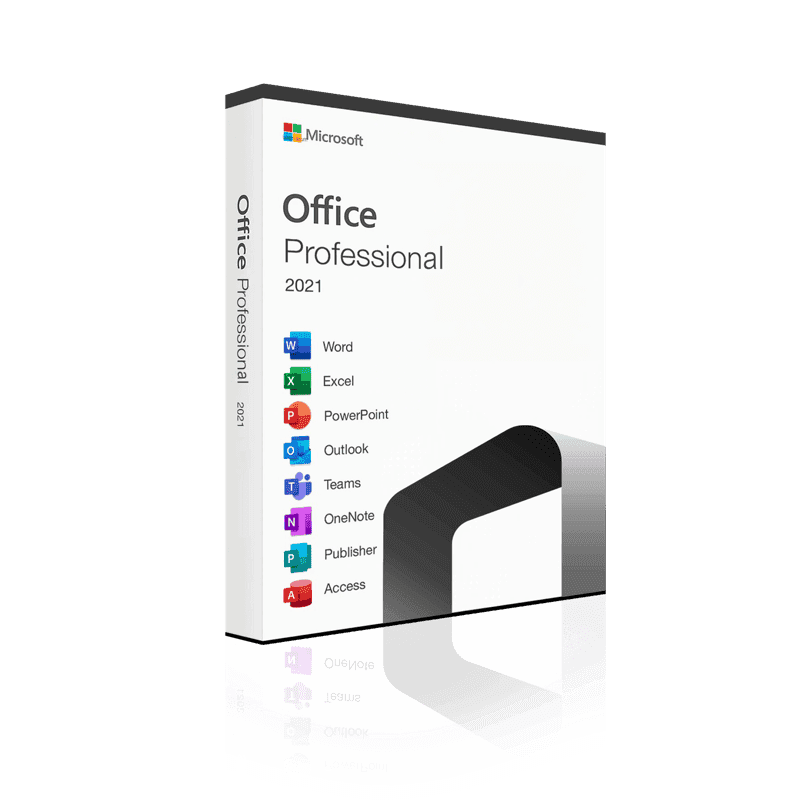 Microsoft Office 2021 Professional | Licence for 3 PCs | Instant download
Perpetual licence · Instant delivery
from £19.99